Learn how to check whether a number is a palindrome in Java using simple code and detailed step-by-step explanation. Perfect for beginners in Java programming.
Article Body
How to Check if a Number is a Palindrome in Java – Step-by-Step Guide with Code
🧠 What is a Palindrome Number?
A palindrome number is a number that reads the same backward as forward.
Examples:
121 is a palindrome (reads same from left to right and right to left)
123 is not a palindrome
1221 is a palindrome
💻 Java Code to Check Palindrome Number
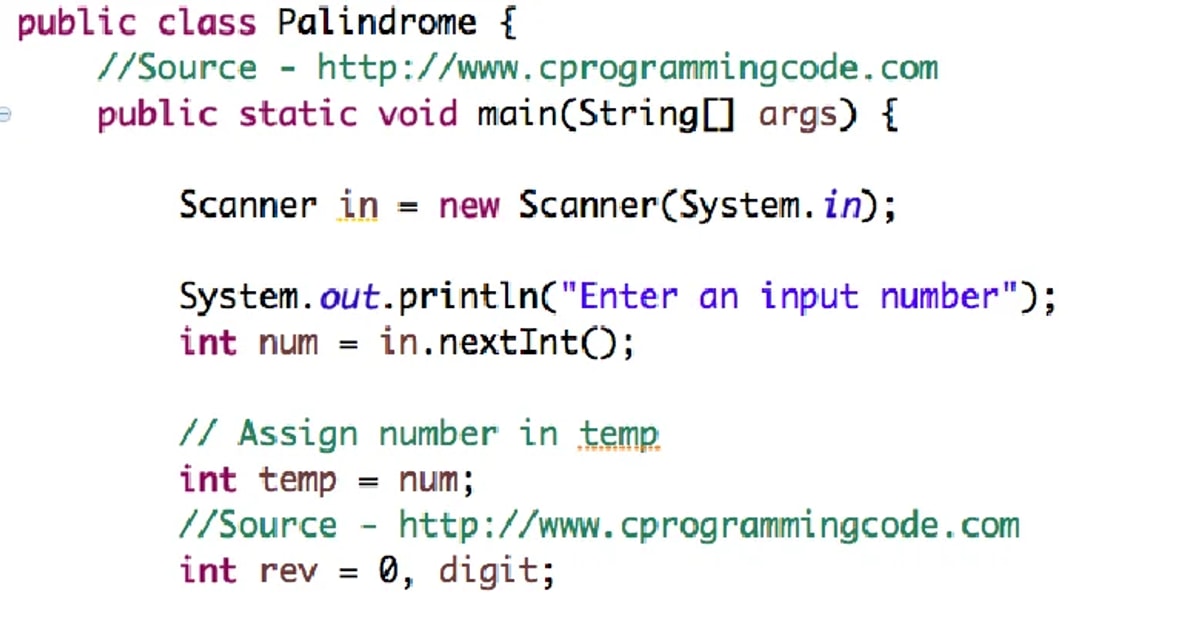
Let’s start with a simple Java program to check if a number is a palindrome:
import java.util.Scanner;

public class PalindromeChecker {

    public static void main(String[] args) {
        Scanner scanner = new Scanner(System.in);

        // Step 1: Take input from user
        System.out.print("Enter a number: ");
        int number = scanner.nextInt();

        // Step 2: Store original number for comparison later
        int originalNumber = number;
        int reversedNumber = 0;

        // Step 3: Reverse the number
        while (number != 0) {
            int digit = number % 10;           // Get the last digit
            reversedNumber = reversedNumber * 10 + digit; // Build reversed number
            number = number / 10;              // Remove last digit
        }

        // Step 4: Compare original and reversed numbers
        if (originalNumber == reversedNumber) {
            System.out.println(originalNumber + " is a palindrome.");
        } else {
            System.out.println(originalNumber + " is not a palindrome.");
        }

        scanner.close();
    }
}
🪜 Step-by-Step Explanation
✅ Step 1: Taking User Input
Scanner scanner = new Scanner(System.in);
System.out.print("Enter a number: ");
int number = scanner.nextInt();
We use the Scanner class to take input from the user.
The number entered by the user is stored in a variable called number.
✅ Step 2: Store the Original Number
int originalNumber = number;
We store the original number in another variable so that we can compare it later with the reversed number.
✅ Step 3: Reverse the Number
int reversedNumber = 0;

while (number != 0) {
    int digit = number % 10;
    reversedNumber = reversedNumber * 10 + digit;
    number = number / 10;
}
Let’s break this loop down:
number % 10 gets the last digit of the number.
Multiply reversedNumber by 10 to shift digits to the left and add the new digit.
Divide number by 10 to remove the last digit (since it's already used).
Example: If the user enters 12321:
First digit: 1
Second digit: 2
...
Eventually reversedNumber will become 12321 again.
✅ Step 4: Compare and Print Result
if (originalNumber == reversedNumber) {
    System.out.println(originalNumber + " is a palindrome.");
} else {
    System.out.println(originalNumber + " is not a palindrome.");
}
We check if the reversed number is equal to the original number.
If yes, it's a palindrome.
If not, it's not a palindrome.
🔄 Sample Outputs
Enter a number: 1221
1221 is a palindrome.

Enter a number: 456
456 is not a palindrome.
🧪 Edge Case: What if Number is Negative?
Negative numbers are not palindromes because they include a minus sign -, which cannot appear at the end when reversed.
You can handle this in your code:
if (originalNumber < 0) {
    System.out.println("Negative numbers are not considered palindromes.");
}
🛠️ Tips for Beginners
Understand how the while loop works with % and /.
Practice the same logic with strings later (for word palindromes).
Test with different inputs like 0, single digits, even and odd-length numbers.
✅ Conclusion
Checking whether a number is a palindrome in Java is a great beginner-level programming problem. It helps you understand loops, mathematical operations, and logic building.
With the code and step-by-step explanation above, you should now be able to write and understand a palindrome number checker with confidence!
Rahul is a software engineer and editor at Galaxy Founder, passionate about technology, startups, and digital innovation. With a keen eye for emerging trends and a love for clean, efficient code, Rahul shares insights and resources to help others navigate the evolving tech landscape.


Comments